Quick round up of how the Going Rogue edition of the game is looking / performing with the latest Cedega engine.
Now, there are some
known issues that may or may not be addressed that I'm aware of.
Install
One of those issues is the City of Heroes updater junking out on a fresh install and failing to download the .pigg files. For the most part the installer issues can be worked around by copying the .pigg files from a pre-existing Windows installation. I honestly do not know if this is a problem related to the actual City of Heroes installer, or a problem with Transgaming's handling of the installer.
Memory Leaks
One of the current issues with the latest public beta engine is that certain system configurations will result in the Transgaming temporary file entering a run-away state and simply exploding in size. Users will likely need to either reboot or manually delete the temporary file to reclaim space on their /root partition.
7.3.3 engine support
Going Rogue, for the most part, is fully playable under the existing 7.3.3 engine. Recent driver updates to the RadeonHD cards exposes Ultra-Mode options on this engine. Ultra Mode features don't actually work on the 7.3.3 engine.
64bit support
Transgaming now offers a
64bit library build of Cedega. This is merely a 32bit wrapper. City of Heroes works on
some configurations in 64bit.
Why Cedega
Just to get this out of the way, Transgaming is currently contracted for the OSX wrapper, and problems / issues with CoH through Cedega are more likely to be addressed as Cider / Cedega share the same source code base. I've been informed that the CoH code-monkies do have access to Transgaming's bug system. Whether or not they READ it, well, I can't answer. Also, no, Cedega is not WineX. The Cedega engine and the current revisions of WINE share very little code. Most of the Cedega engine, as of the Maudite Engines I've been testing, is written in-house by Transgaming.
I think that's all of the pertinent data, so, let's get started. Each of these is using the latest Cedega beta engine and the latest graphics driver available for each graphics card. I'm not really going to bother showing the 7.3.3 engine for this round-up as in most 32bit cases CoH Going Rogue works just fine through 7.3.3 leveraging the non-ultra-mode engine.
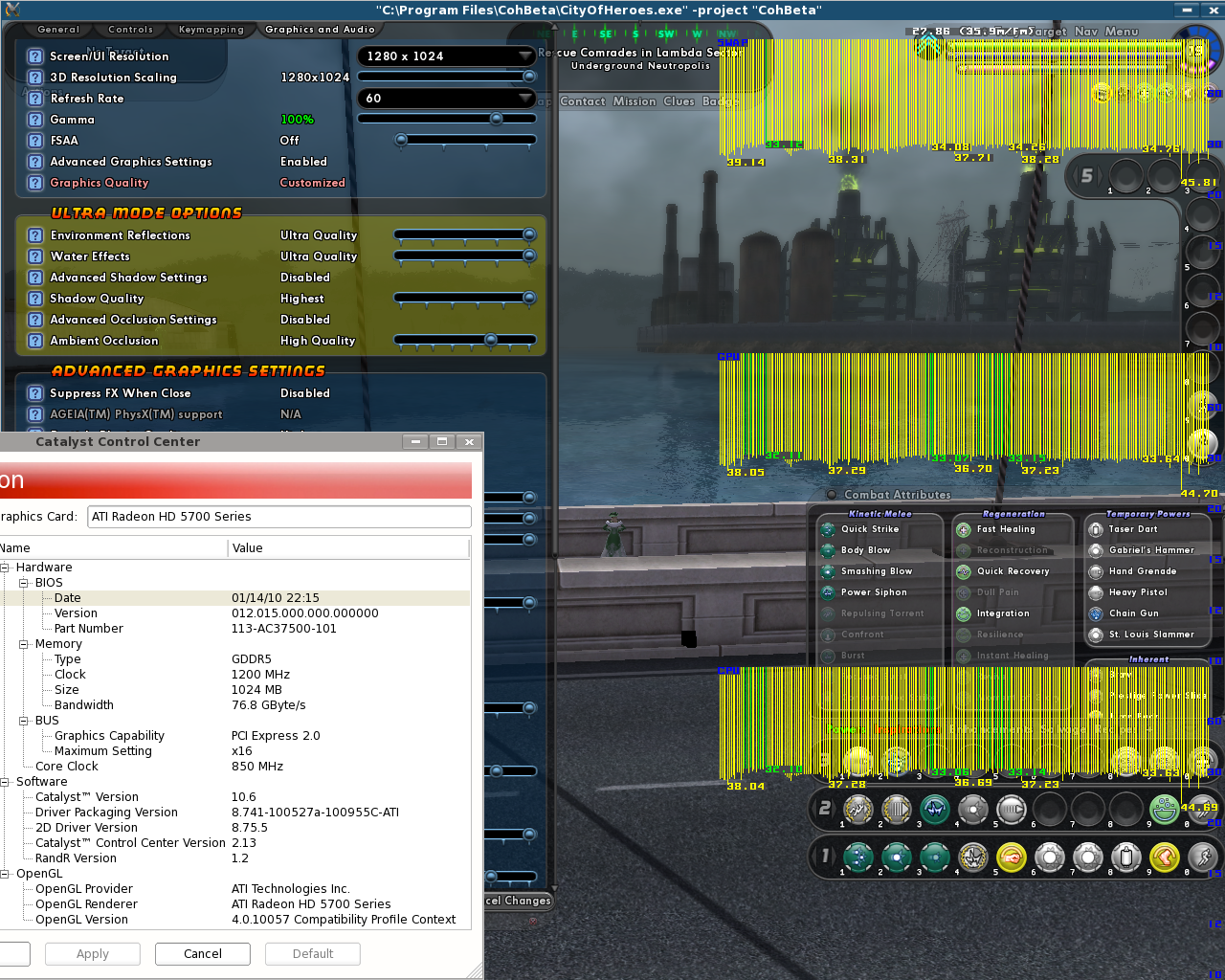
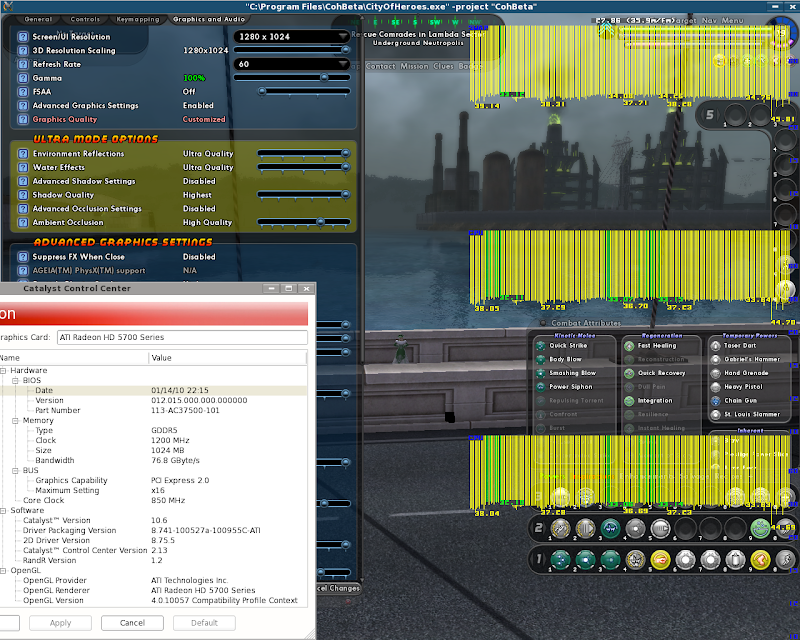
32bit I7 with RadeonHD 5770
- agp_aperture_size: 256
- cpu: Genuine Intel(R) CPU 000 @ 2.67GHz
- cpu_ghz: 1.60
- distro: MEPIS 8.5 lenny
- kernel: 2.6.32-1-mepis-smp
- machine_bitness: 32
- memory: 2531
- soundcard: HDA Intel at 0xf3ff4000 irq 22
- soundcard_driver: ALSA Version 1.0.21
- videocard_direct: True
- videocard_driver_version: 4.0.10057 Compatibility Profile Context
- videocard_manufacturer: ATI Technologies Inc.
- videocard_ram:
- videocard_type: ATI Radeon HD 5700 Series
- x_version: X.Org X Server 1.4.2
- GUI version: 011012
* * *
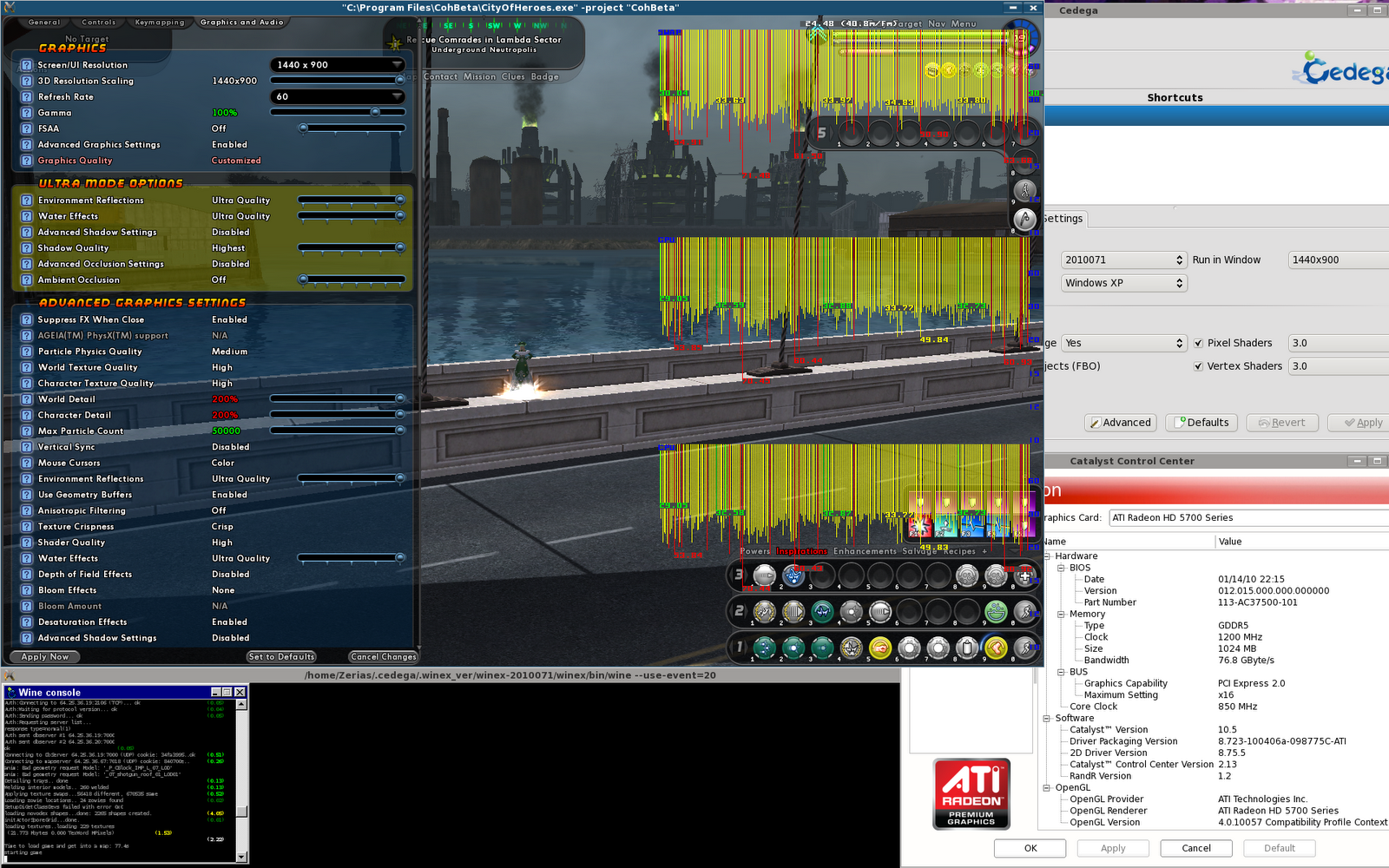
32bit Phenom II w/ RadeonHD 5770
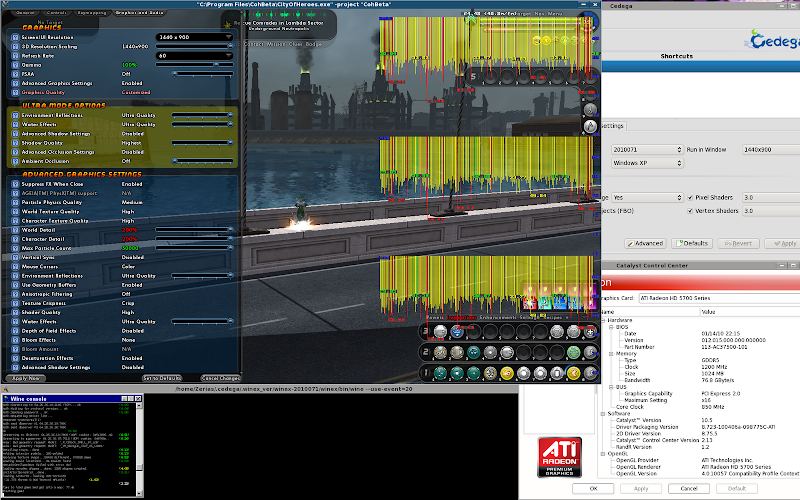
- agp_aperture_size: 256
- cpu: AMD Phenom(tm) II X4 965 Processor
- cpu_ghz: 0.80
- distro: MEPIS 8.5 lenny
- kernel: 2.6.32-1-mepis-smp
- machine_bitness: 32
- memory: 3039
- soundcard: Asus Virtuoso 100 (rev 2) at 0xd800, irq 21
- soundcard_driver: ALSA Version 1.0.21
- videocard_direct: True
- videocard_driver_version: 4.0.10057 Compatibility Profile Context
- videocard_manufacturer: ATI Technologies Inc.
- videocard_ram: 1024
- videocard_type: ATI Radeon HD 5700 Series
- x_version: X.Org X Server 1.4.2
- GUI version: 011012
* * *
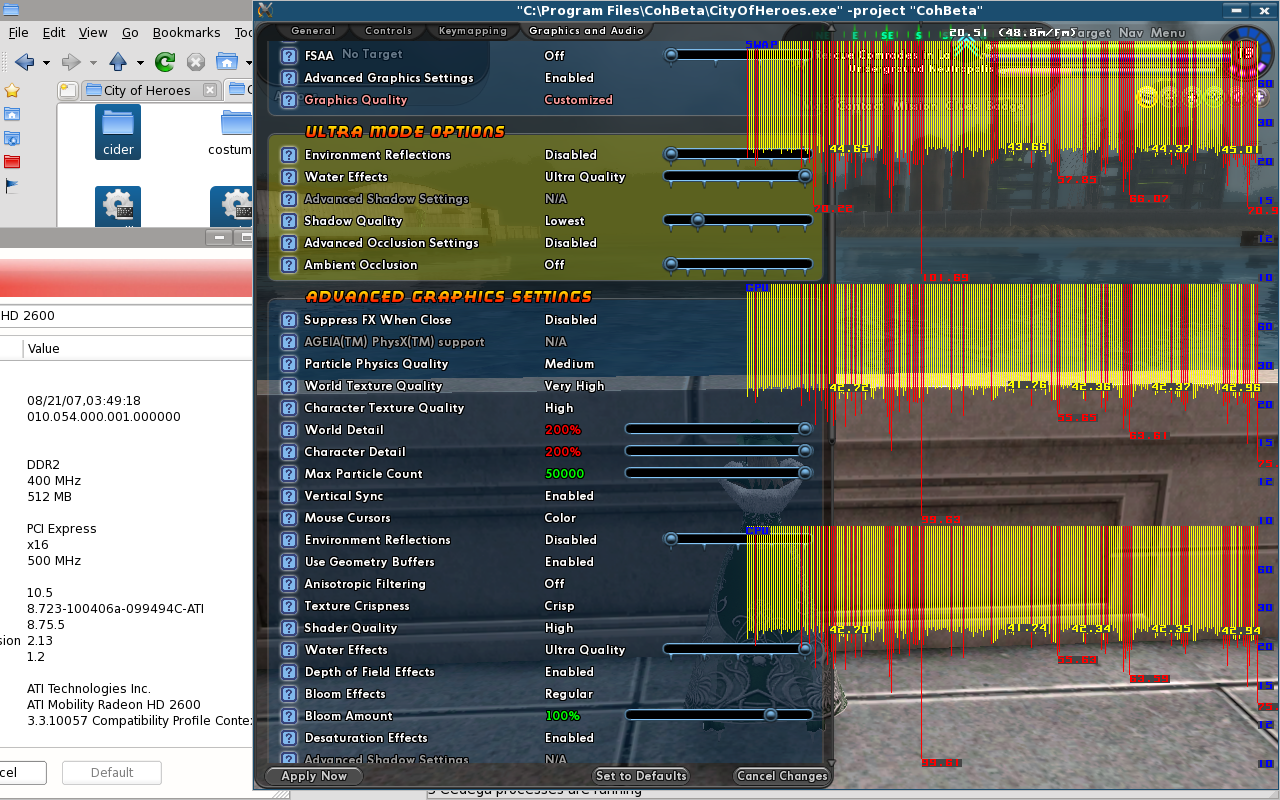
64bit Turion64 w/ RadeonHD 2600
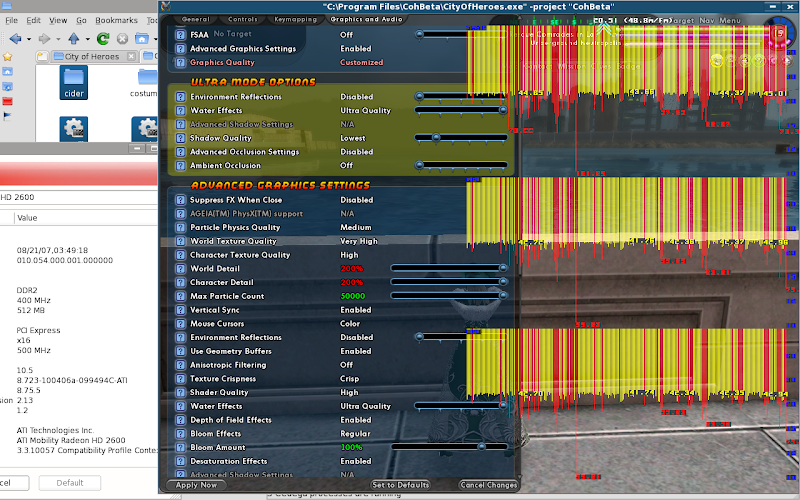
- agp_aperture_size: 256
- cpu: AMD Turion(tm) 64 X2 Mobile Technology TL-60
- cpu_ghz: 0.80
- distro: MEPIS 8.5 lenny
- kernel: 2.6.32-1-mepis64-smp
- machine_bitness: 64
- memory: 3968
- soundcard: HDA ATI SB at 0xfdef4000 irq 16
- soundcard_driver: ALSA Version 1.0.21
- videocard_direct: True
- videocard_driver_version: 3.3.10057 Compatibility Profile Context
- videocard_manufacturer: ATI Technologies Inc.
- videocard_ram:
- videocard_type: ATI Mobility Radeon HD 2600
- x_version: X.Org X Server 1.4.2
- GUI version: 011012
* * *
Now, so far, things have been working pretty good on the ATi side across 32bit and 64bit installations. That's about to change with the next couple of systems. There appaerently are some problems / regressions with the RadeonHD 4x00 series cards.
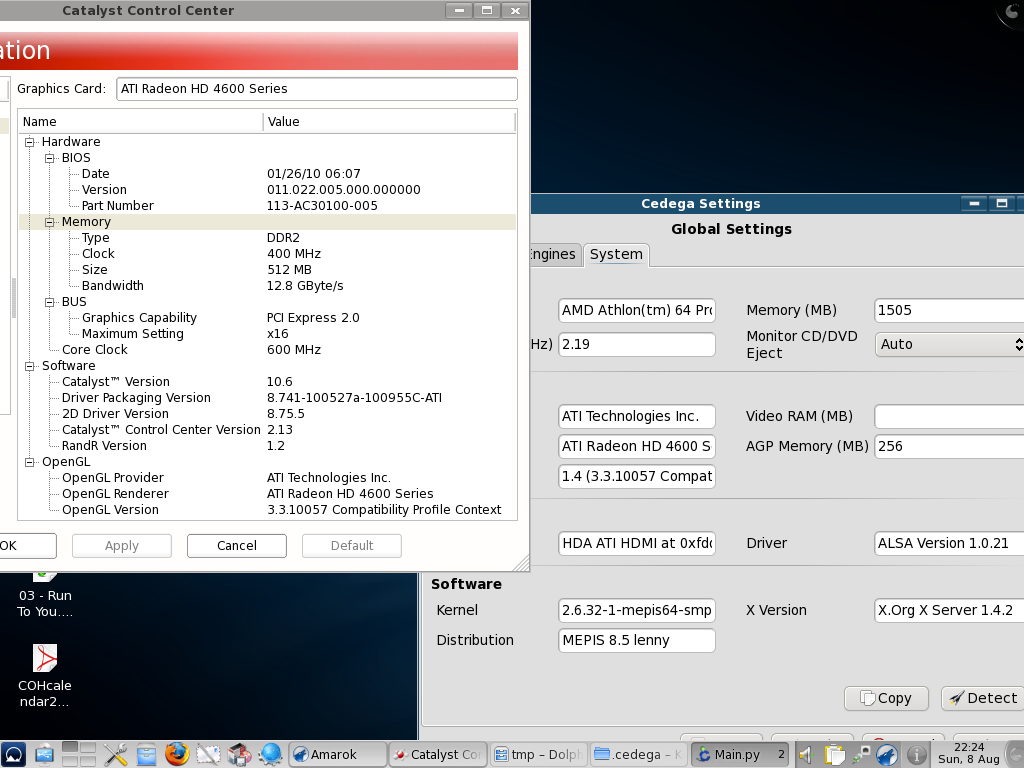
64bit A64 w/ RadeonHD 4650
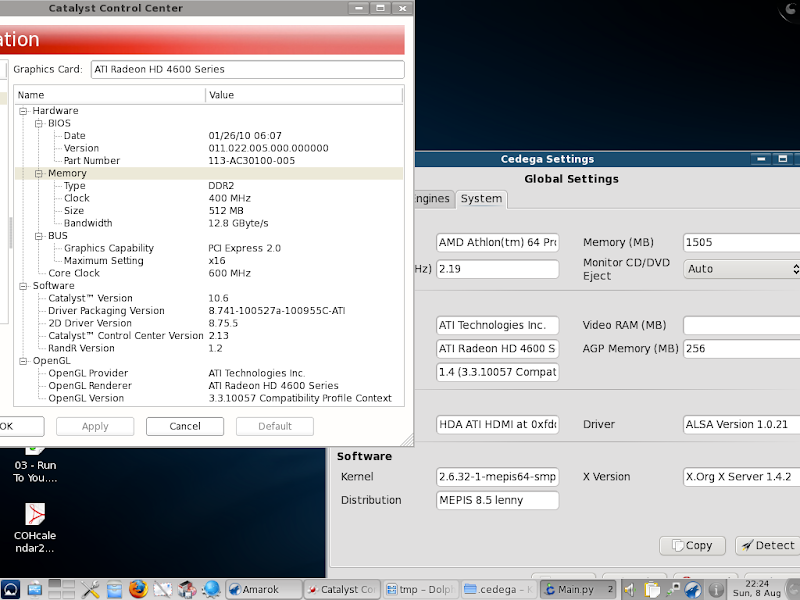
Now, already something is screwy. The system is presenting an OpenGL 3.x class card as an OpenGl 1.4 device. I don't know if this is a problem with my Linux's hardware detection, a problem with Cedega's hardware detection, or another error.
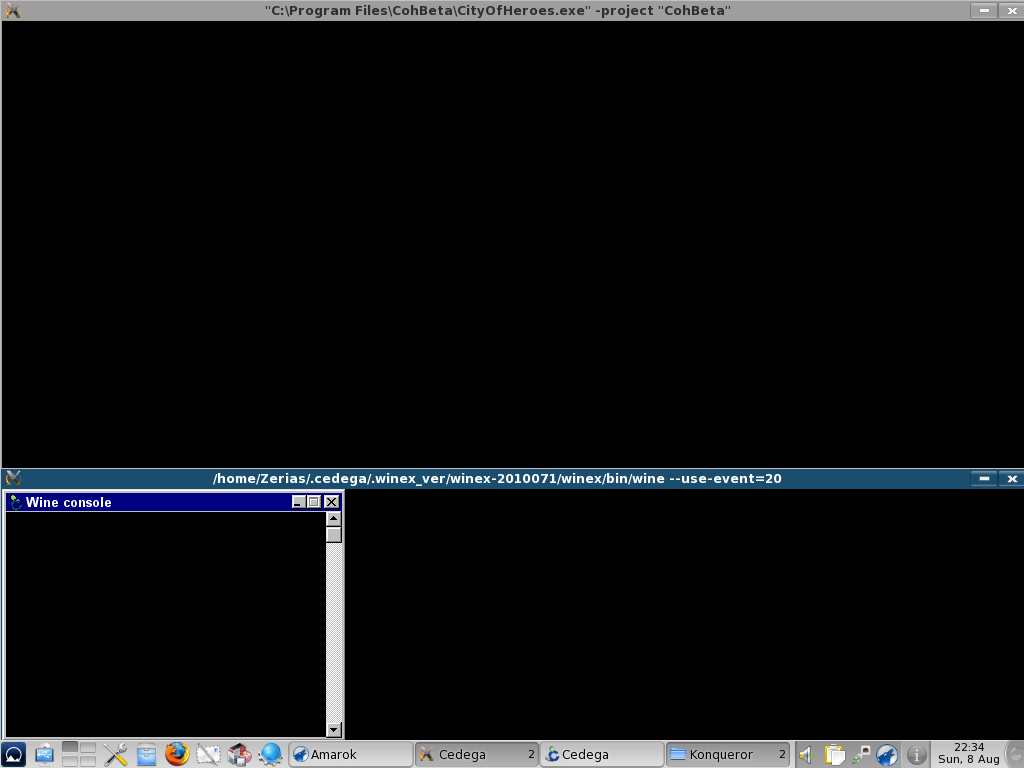
This is what happens when I try to launch the Beta client against the latest Maudite Engine
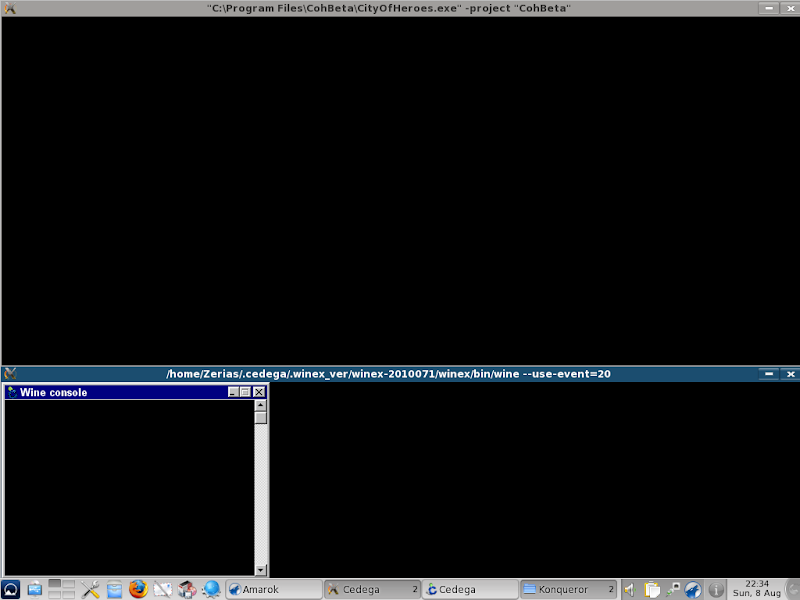
For some reason the live server also crashes out completely, so I plan to scrounge up another hard-drive and try this system on a 32 bit base.
- agp_aperture_size: 256
- cpu: AMD Athlon(tm) 64 Processor 3200+
- cpu_ghz: 2.19
- distro: MEPIS 8.5 lenny
- kernel: 2.6.32-1-mepis64-smp
- machine_bitness: 64
- memory: 1505
- soundcard: HDA ATI HDMI at 0xfddfc000 irq 18
- soundcard_driver: ALSA Version 1.0.21
- videocard_direct: False
- videocard_driver_version: 1.4 (3.3.10057 Compatibility Profile Context)
- videocard_manufacturer: ATI Technologies Inc.
- videocard_ram:
- videocard_type: ATI Radeon HD 4600 Series
- x_version: X.Org X Server 1.4.2
- GUI version: 011012
* * *
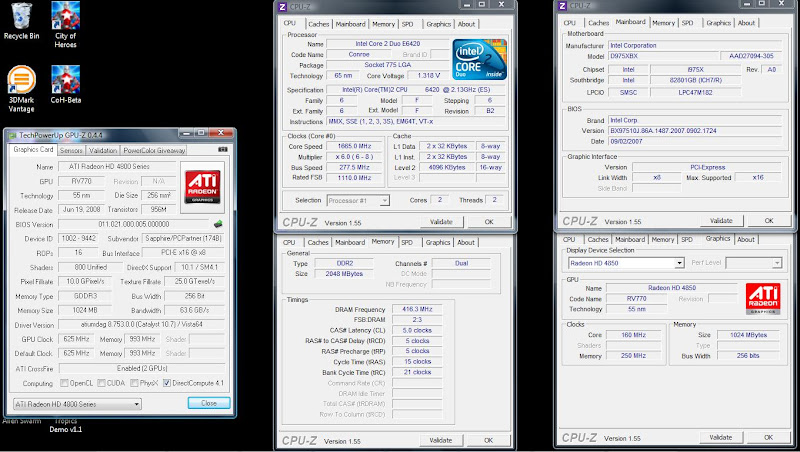
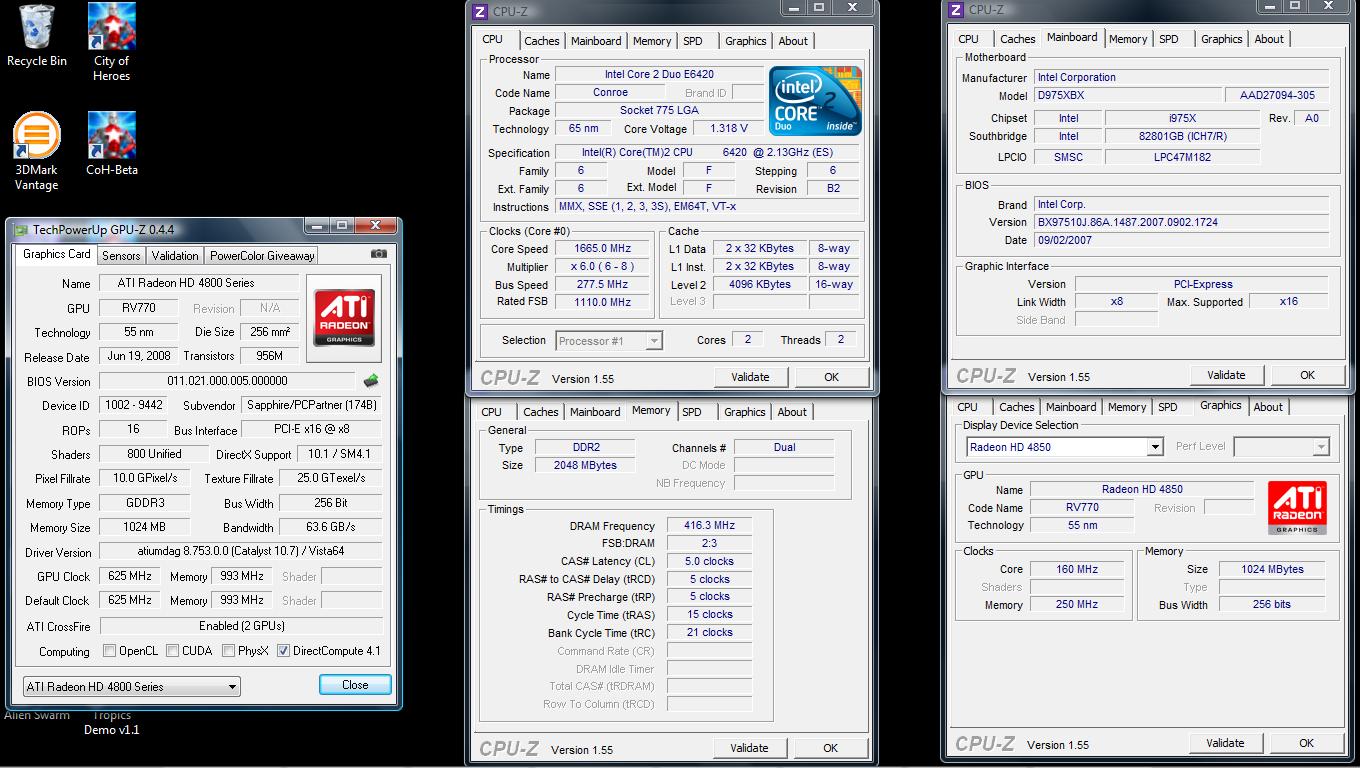
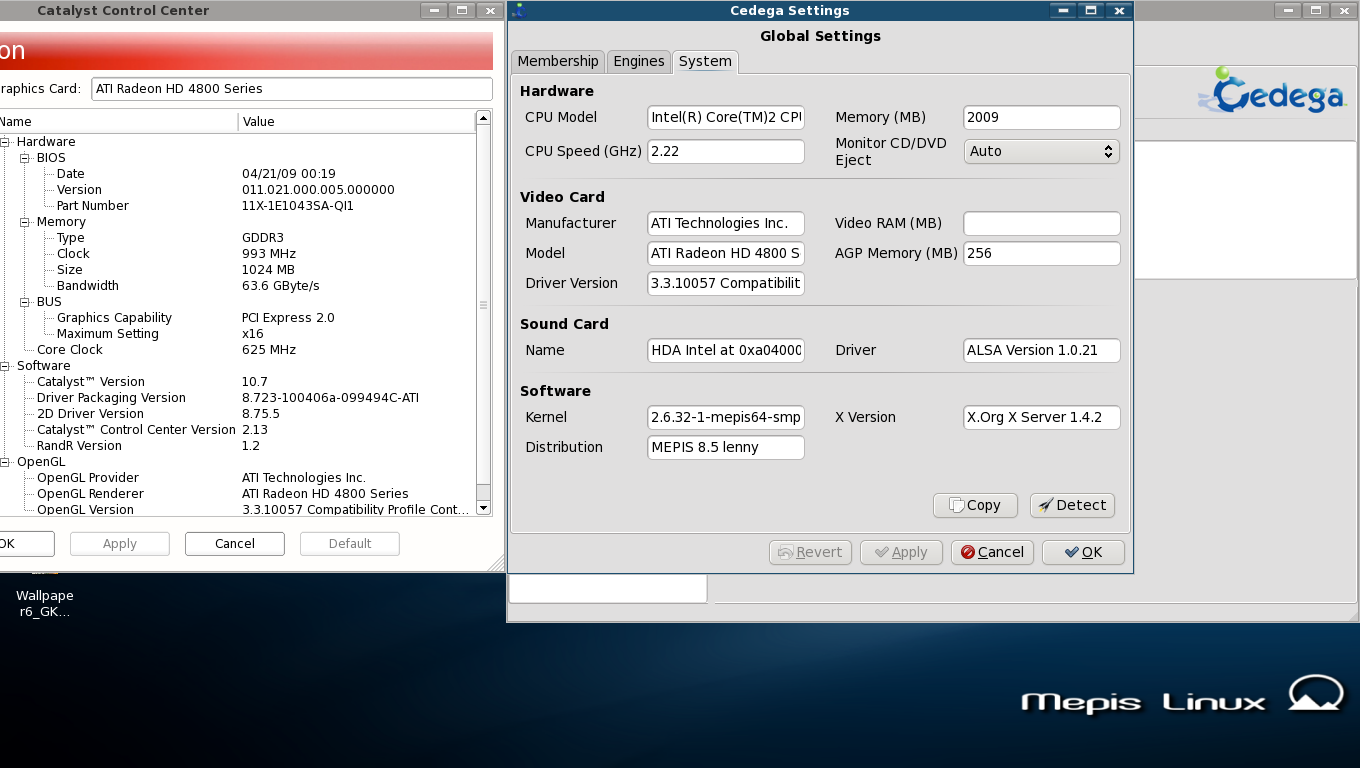
64bit Core 2 Duo w/ RadeonHD 4850
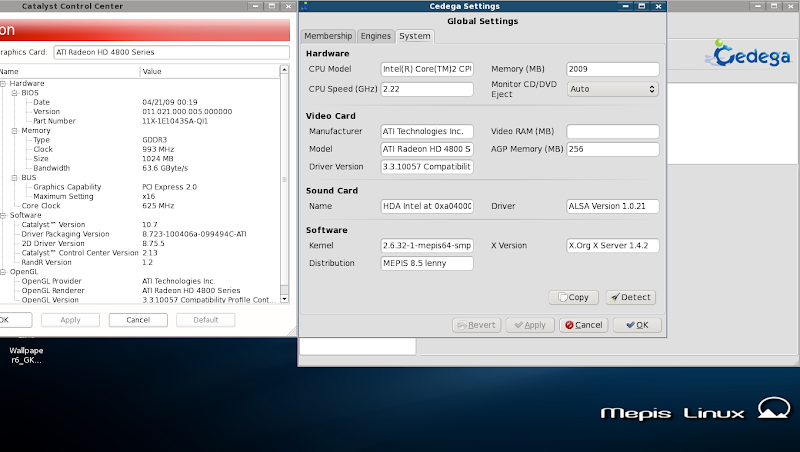
This system is a bit different, leveraging the RadeonHD 4850's that were in my testing system when Ultra Mode was going through testing. As we can see in the data it is exposing an OpenGL 3.3 driver to Cedega.
it crashes a bit differently though:
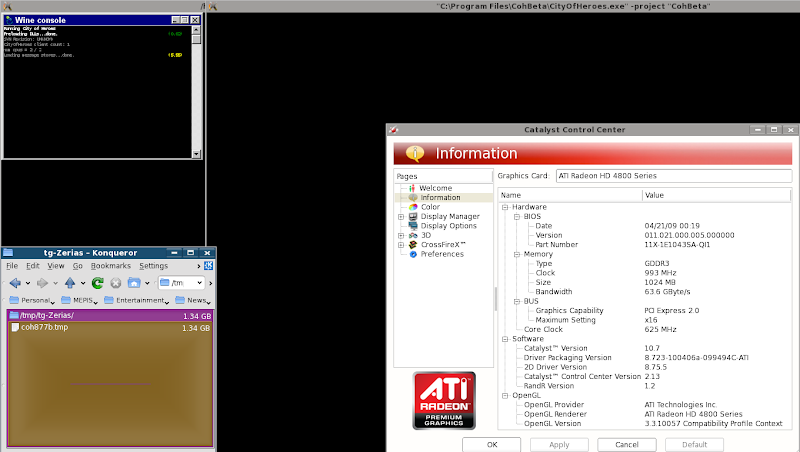
The problem here is that the temporary file for Transgaming simply starts ballooning in size. Yes, this problem has been brought to the attention of AMD, Transgaming, and Ghost Falcon / Television. I don't know where the error is though. Again, I intend to try this system against a 32bit base in the coming days and see if the problem repeats itself.
- agp_aperture_size: 256
- cpu: Intel(R) Core(TM)2 CPU 6420 @ 2.13GHz
- cpu_ghz: 2.22
- distro: MEPIS 8.5 lenny
- kernel: 2.6.32-1-mepis64-smp
- machine_bitness: 64
- memory: 2009
- soundcard: HDA Intel at 0xa0400000 irq 22
- soundcard_driver: ALSA Version 1.0.21
- videocard_direct: True
- videocard_driver_version: 3.3.10057 Compatibility Profile Context
- videocard_manufacturer: ATI Technologies Inc.
- videocard_ram:
- videocard_type: ATI Radeon HD 4800 Series
- x_version: X.Org X Server 1.4.2
- GUI version: 011012
* * *
So, that's the ATi systems. Largely works under 32bit systems: 64bit support is a bit rough. So, now, time for the Nvidia systems.
32bit AXP w/ Geforce FX 5600
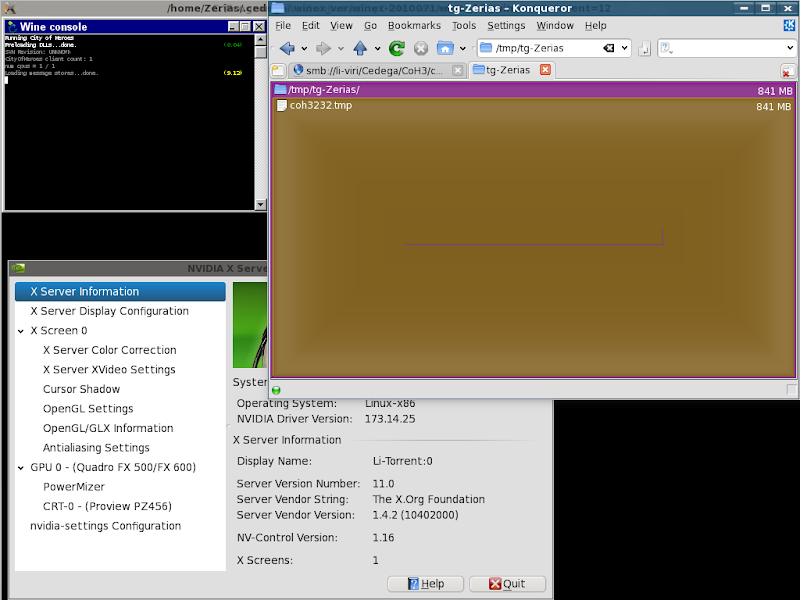
This system presents the same problem as the 4850 system. The Temporary file explodes in size and the game fails to load.
- agp_aperture_size: 256
- cpu: AMD Athlon(tm) XP 2200+
- cpu_ghz: 1.80
- distro: MEPIS 8.5 lenny
- kernel: 2.6.32-1-mepis-smp
- machine_bitness: 32
- memory: 1001
- soundcard: SB Audigy 2 ZS [SB0350] (rev.4, serial:0x20021102) at 0xd000, irq 17
- soundcard_driver: ALSA Version 1.0.21
- videocard_direct: True
- videocard_driver_version: 2.1.2 NVIDIA 173.14.25
- videocard_manufacturer: NVIDIA Corporation
- videocard_ram: 256
- videocard_type: Quadro FX 500/FX 600/PCI/SSE/3DNOW!
- x_version: X.Org X Server 1.4.2
- GUI version: 011012
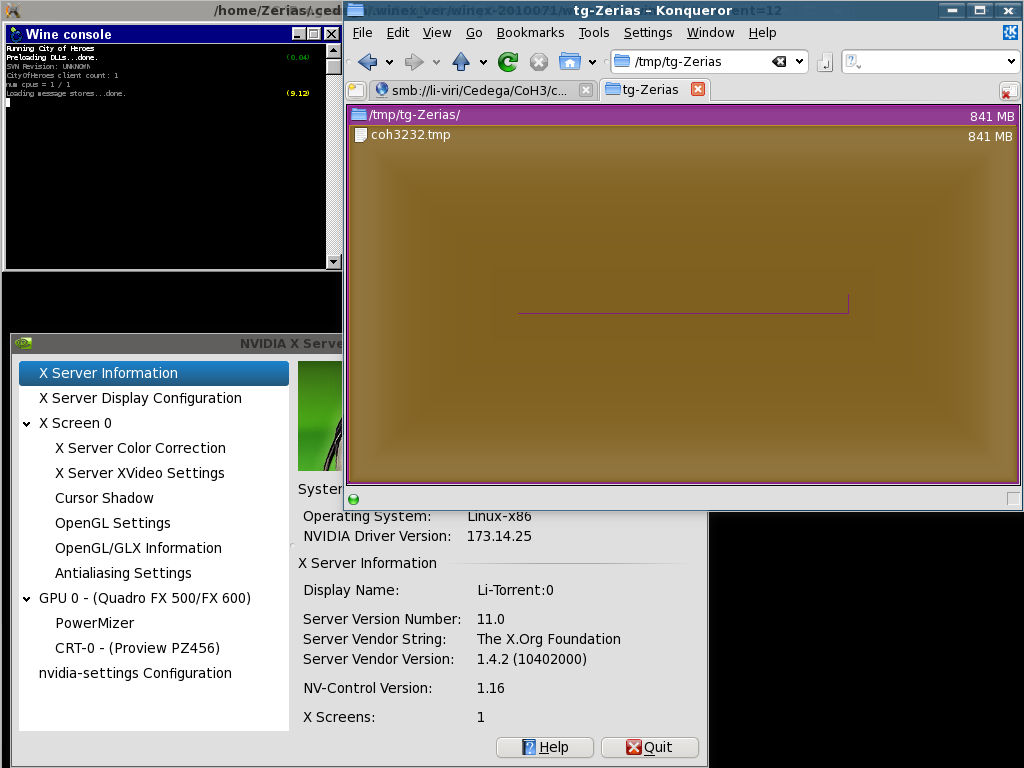
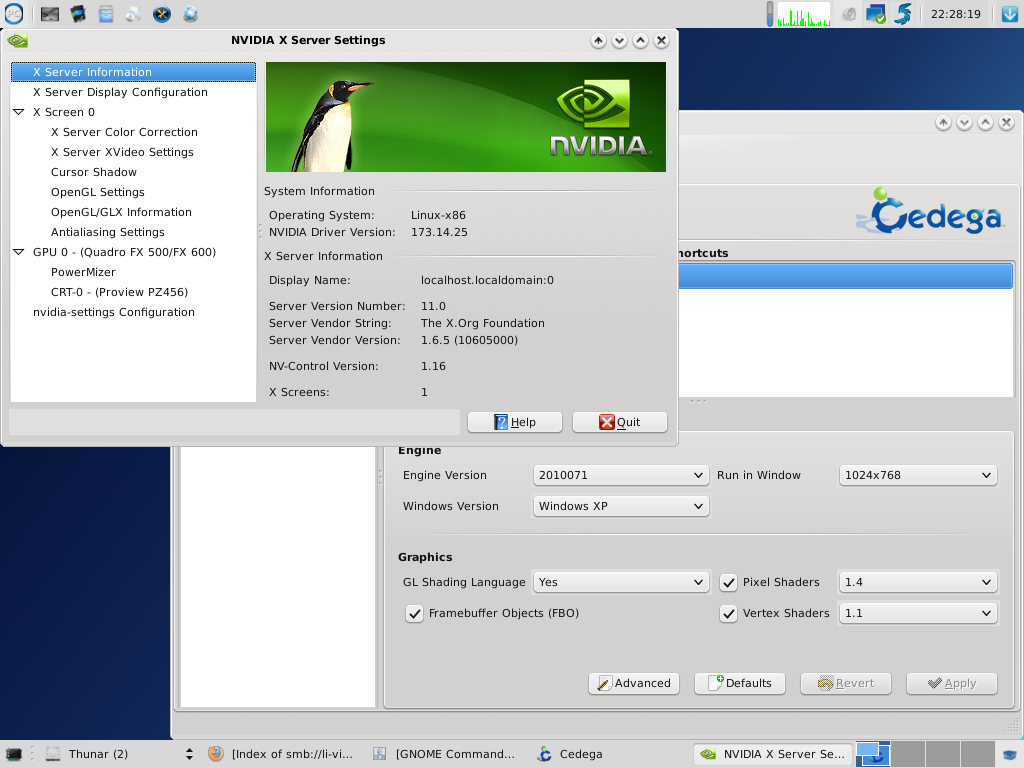
This system also has an XFCE spin of PCLinuxOS, so I gave that a whirl to see how it would work:
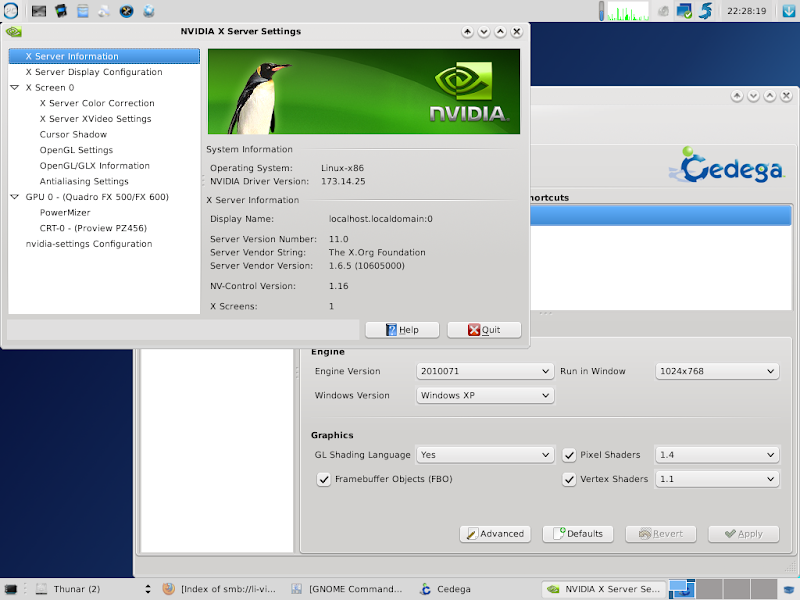
Here we can see I forced lower shader settings for the game since the GeforceFX 5600 is already a weak card to begin with, neverminding I'm running the PCI bus. This is what happens:
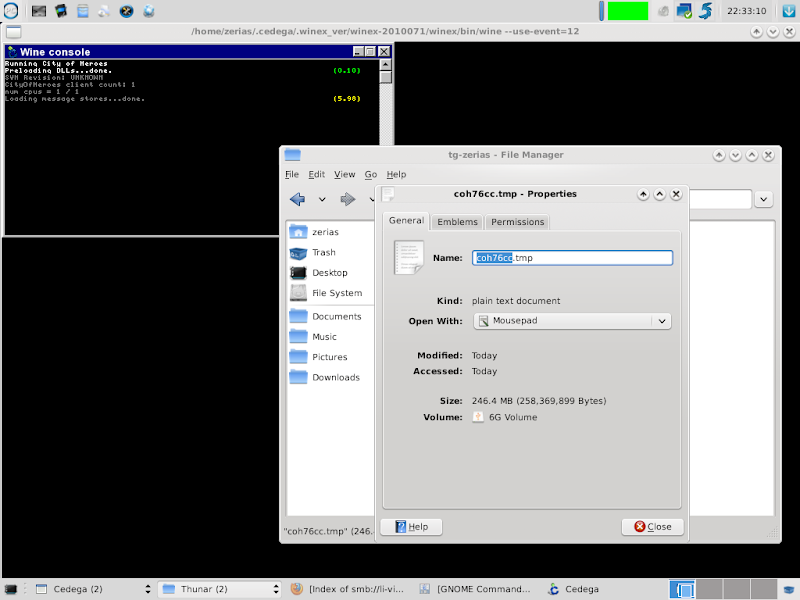
Same exact problem. The temporary file takes off running.
- agp_aperture_size: 256
- cpu: AMD Athlon(tm) XP 2200+
- cpu_ghz: 1.80
- distro: MandrivaLinux 2010 Phoenix
- kernel: 2.6.32.11-pclos2.bfs
- machine_bitness: 32
- memory: 1001
- soundcard: SB Audigy 2 ZS [SB0350] (rev.4, serial:0x20021102) at 0xd000, irq 17
- soundcard_driver: ALSA Version 1.0.21
- videocard_direct: True
- videocard_driver_version: 2.1.2 NVIDIA 173.14.25
- videocard_manufacturer: NVIDIA Corporation
- videocard_ram: 256
- videocard_type: Quadro FX 500/FX 600/PCI/SSE/3DNOW!
- x_version: X.Org X Server 1.6.5
- GUI version: 011012
* * *
32bit A64 w/ Geforce GTS 250
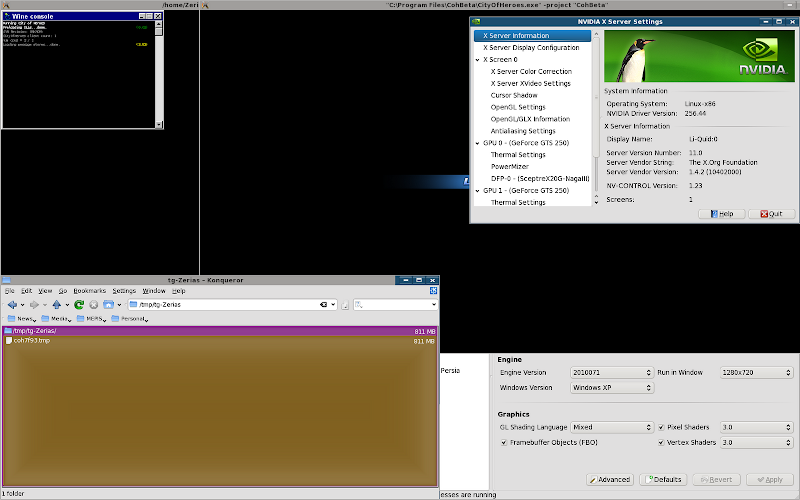
As we can see, the memory leak issue rears it's head yet again.
- agp_aperture_size: 256
- cpu: AMD Athlon(tm) 64 X2 Dual Core Processor 6000+
- cpu_ghz: 1.00
- distro: MEPIS 8.5 lenny
- kernel: 2.6.32-1-mepis-smp
- machine_bitness: 32
- memory: 1770
- soundcard: HDA NVidia at 0xdee78000 irq 21
- soundcard_driver: ALSA Version 1.0.21
- videocard_direct: True
- videocard_driver_version: 3.3.0 NVIDIA 256.44
- videocard_manufacturer: NVIDIA Corporation
- videocard_ram: 512
- videocard_type: GeForce GTS 250/PCI/SSE2/3DNOW!
- x_version: X.Org X Server 1.4.2
- GUI version: 011012
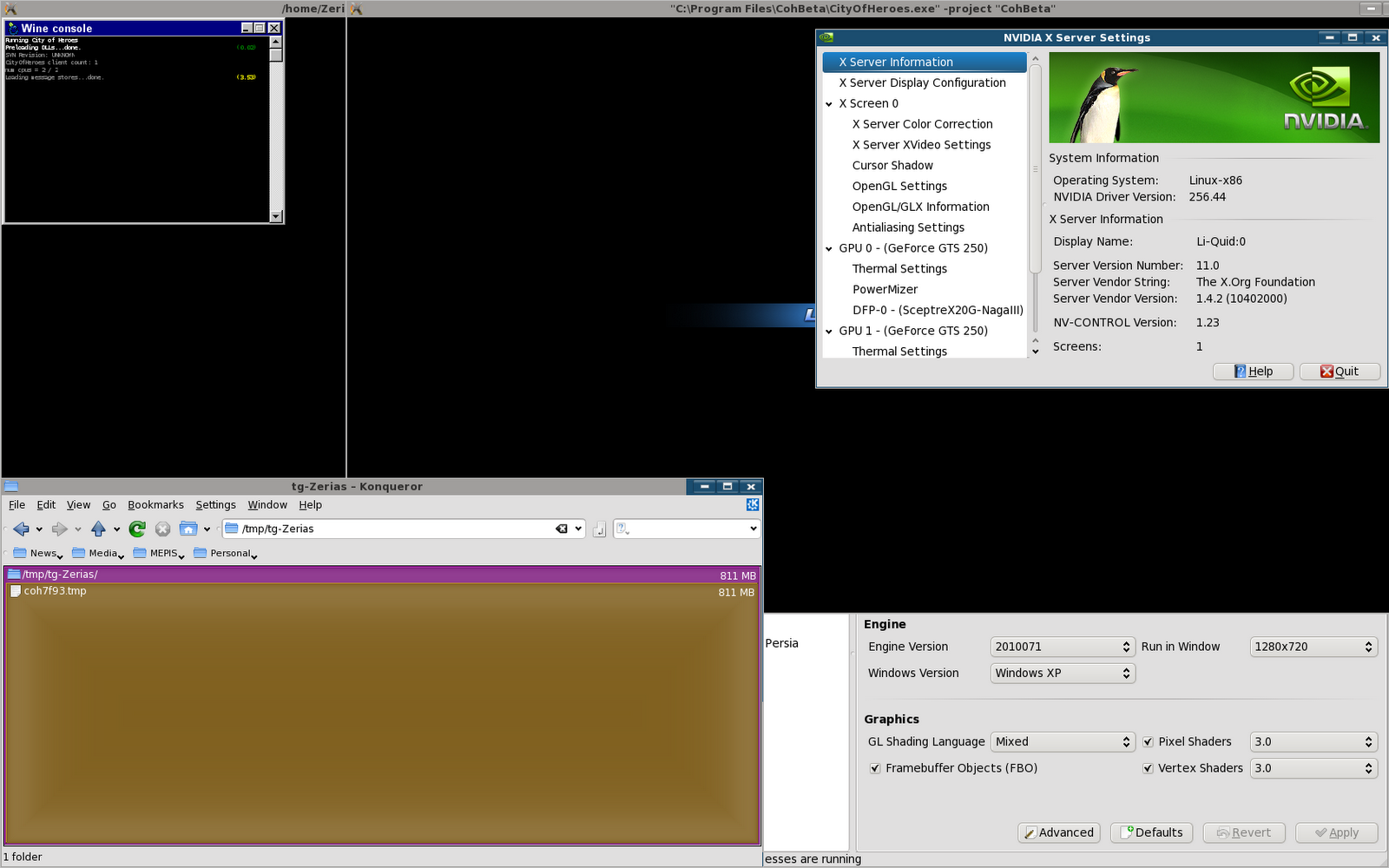
I went ahead and tested this system against a 64bit base to see what would happen:
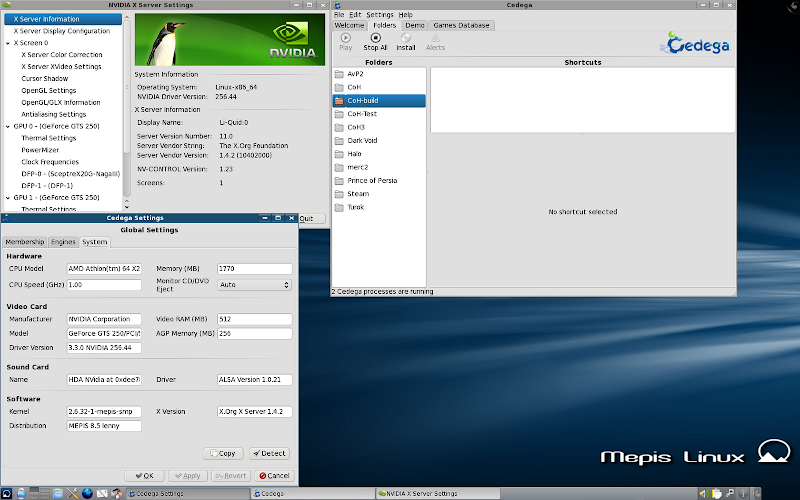
Now, it might not be obvious what's going on. Cedega is indicating that processes are running... but nothing is actually happening.
* * *
So, the final round up is this:
If you have a 32bit installation with ATi cards, City of Heroes should generally work on the public beta engine
If you have a 64bit installation with ATi cards, City of Heroes may, or may not, operate.
If you have a 32bit installation with Nvidia cards, City of Heroes probably won't work on the beta engines. They should still work on the 7.3.3 engine.
If you have a 64bit installation with Nvidia cards, City of Heroes won't work at all through Cedega on any engine.

 Now I might be able to get around this at a different resolution but at 2560x1600 when trying to do a character transfer not all servers are visible and you cannot scroll the servers up or down to get to the server I want. Anyone else experiencing this? If I missed an existing thread about this I apologize.