je_saist
-
Posts
4197 -
Joined
-
Quote:Ultra Mode leverages more than just the GPU. The Shadow maps, for example, are extremely CPU intensive as well.Originally Posted by SuperOz
 I finally got my Radeon 5770 card! Woohoo! It can crank Ultra Mode up to the max, and even when I checked my framerates in some areas (it gets as low as 12fps in some areas!), it still seems to play incredibly smoothly with very little to no choppy framerates.
What's going on here? Is it a case of my net speed or that Ultra Mode is still kind of 'dense' to get super-smooth framerates?
S.
The game's "architecture" also affects Ultra-Mode performance. Various zones cause massive overdraw on the system, such as the "apartment slums" in the south of Cap Au Diable, and no matter what you throw at them, it'll always be choppy and laggy there.
There's no hardware combination, that I'm aware of, that will give you 30fps+ in every single zone, in every single situation. -
Quote:He wasn't of course.Originally Posted by Zikar
You say that like you were right or something.
It's never mattered to the player though.
Night: yeah, the Perfect Pain posting was a clue this was going to be dated. -
Quote:*offers Jim a catnip cookie*Originally Posted by Jim_Justice
What is gonna happen is that it will rock
allota folks will have fun
and the current issues are temporary
This is a game worth waiting for.
+1 -
Quote:I dunno... now that Saban has the Brand Back...Originally Posted by Chimoru81
Thank you! I thought it would be funny too! Yes, it's Electro's mod. I gave him the credit for that in the link a few posts up for anyone interested. No, no. Dev's won't help, I didn't even THINK to ask. Glad it's being enjoyed!
-
Quote:rumor has it the server load is picking back up as players pop-back in for next weeks going rogue.Originally Posted by Stormistress
You are not alone.
Just came here to see if it was just me. Waited 10 minutes for a mission to load, then closed the CoH program down. Re-start the program without having to verify files (odd). Another ten minutes later, and I end up right back at the login screen.
It seems to me that these types of problems are increasing in frequency. Any word from the Devs on the cause?
Stormistress -
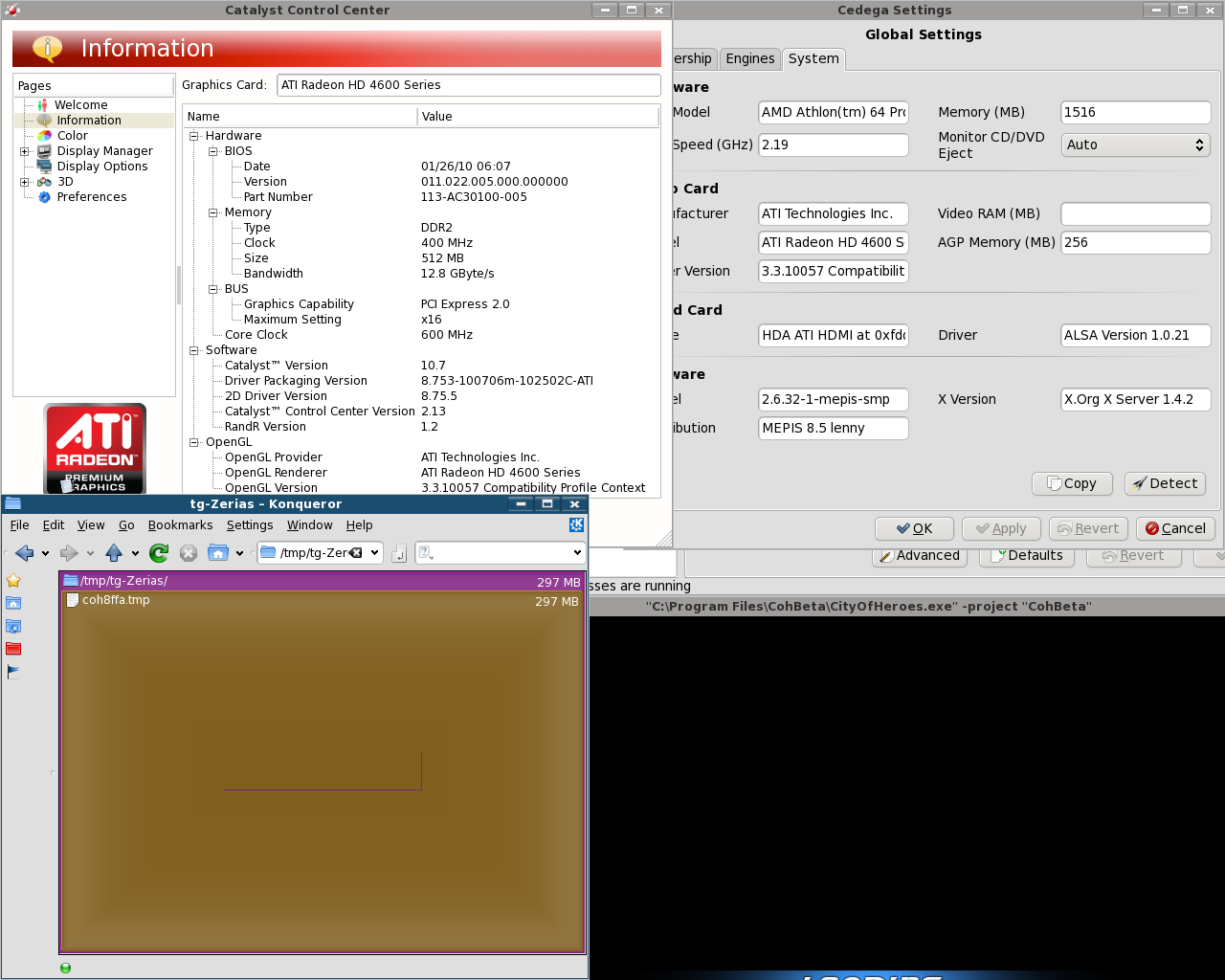
And now for the AXP system with the 4650... things not looking so good here in 32bit mode:
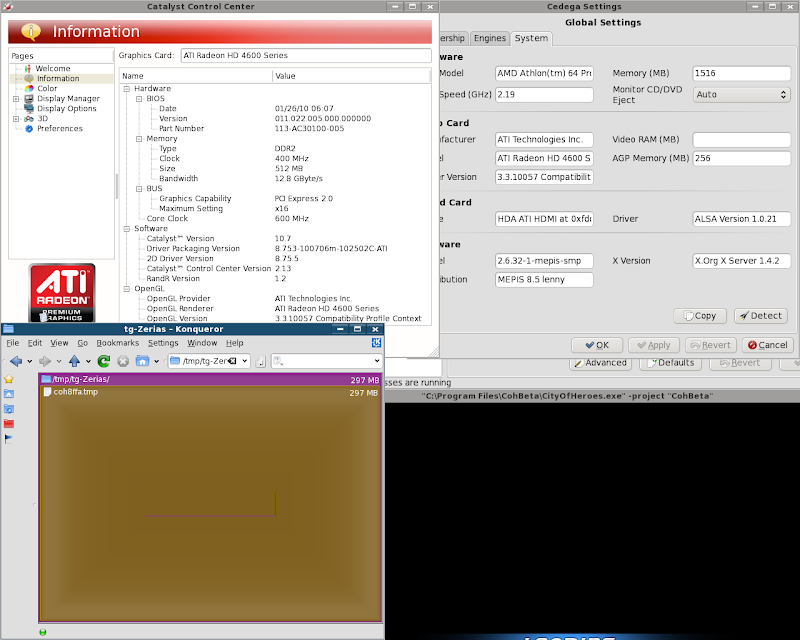
The 1.4 driver presentation is gone... it's now presenting an OpenGL 3.3 compatible driver...
but the memory leak is present and the /tmp folder is filling up like a dirigible. -
Quote:I'm not saying you should let it go without a fight.Originally Posted by Techbot Alpha
Yup, sorry Saist, but not with ya on this one. Amen to what the others have said. I, for one, refuse to just let the EU side of things fade away without a fight.
I'm TELLING you this isn't the place.
There isn't anything you can do on the forums to get the attention of the people who MATTER.
The EU players can whine, hiss, cry, roast effigies of the Developers, and so on... but as long as it's here on the CoH forums, nobody in NCSoft Corporate is going to notice.
I am TELLING the EU players WHERE to vent their fustrations. I'm telling them WHERE to send letters that will actually get the attention of the people that MATTER.
trust me, NCSoft will sit up and take notice if they get a flood of hand written or typed out letters arriving in physical envelopes at their actual offices.
You want their attention? You want to change something.
Sending Physical letters to their offices is the best way to get that attention. -
Quote:Buy an ATi card graphics card. It's called Eyefinity: http://www.amd.com/us/products/techn...eyefinity.aspxOriginally Posted by Sin_Stalker
I don't get it.
Then how do I get 3 monitors to work and the ability to boot up 3 instances of CoH to log onto 3 different accounts all at the same time? -
okay.
Windows isn't built like Unix or Unix Like systems. The mouse and keyboard controls are largely disconnected from the Windowing or the Rendering system.
While it technically possible under older Unix or Unix like systems for your graphics driver to introduce problems into your input mechanics, as Unix and Unix Like systems used the same configuration systems for keyboard and mouse input that they used for Graphics output (the x.conf file), neither Microsoft's original Disk Operating System, it's 32bit extension, or it's New Technology system rely on a singular configuration system for both device input and graphics output.
What this means in plain English is that if you've got mouse problems or sudden hitching problems, you've got bigger issues at hand.
So, we need to give your system a checkup.
First, this says you are running windows Xp.
So click on start:
click on run:
type in: cmd
then hit: ok
this will bring up the command prompt.
in the command prompt type in: chkdsk /f /r
Hit enter on the keyboard
The computer will ask if you want to schedule a checkdisk.
hit Y for yes.
close out of the DOS box
Reboot the computer.
The system will run through CheckDisk.
When you get loaded back, open up the control panel. If you are not in classic view, get in classic view.
Double click on administrative tools
Double click on event viewer
Left Click once on Application
To the right will be a list of service applications with names of each column at the top.
Left click the tab labeled Source twice.
This should put the list of application in alphabetical order with the lower letters of the alphabet at the top.
Look for the application labeled WINLOGIN
a new window will pop up with the results from the check disk.
On the right side of this window should be 3 buttons.
An Up Arrow. A down Arrow. A button with looks like two pages on it.
Left click on the button that looks like it has two pages on it.
That will copy the results of the WinLogin, and then you can post those results here. -
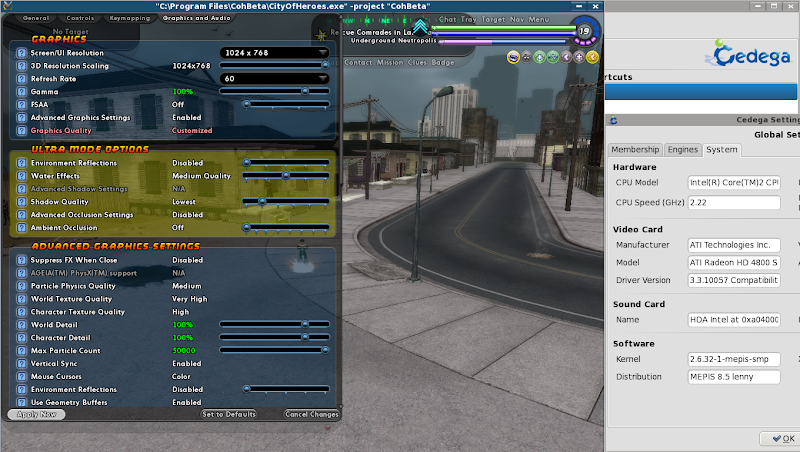
First update.
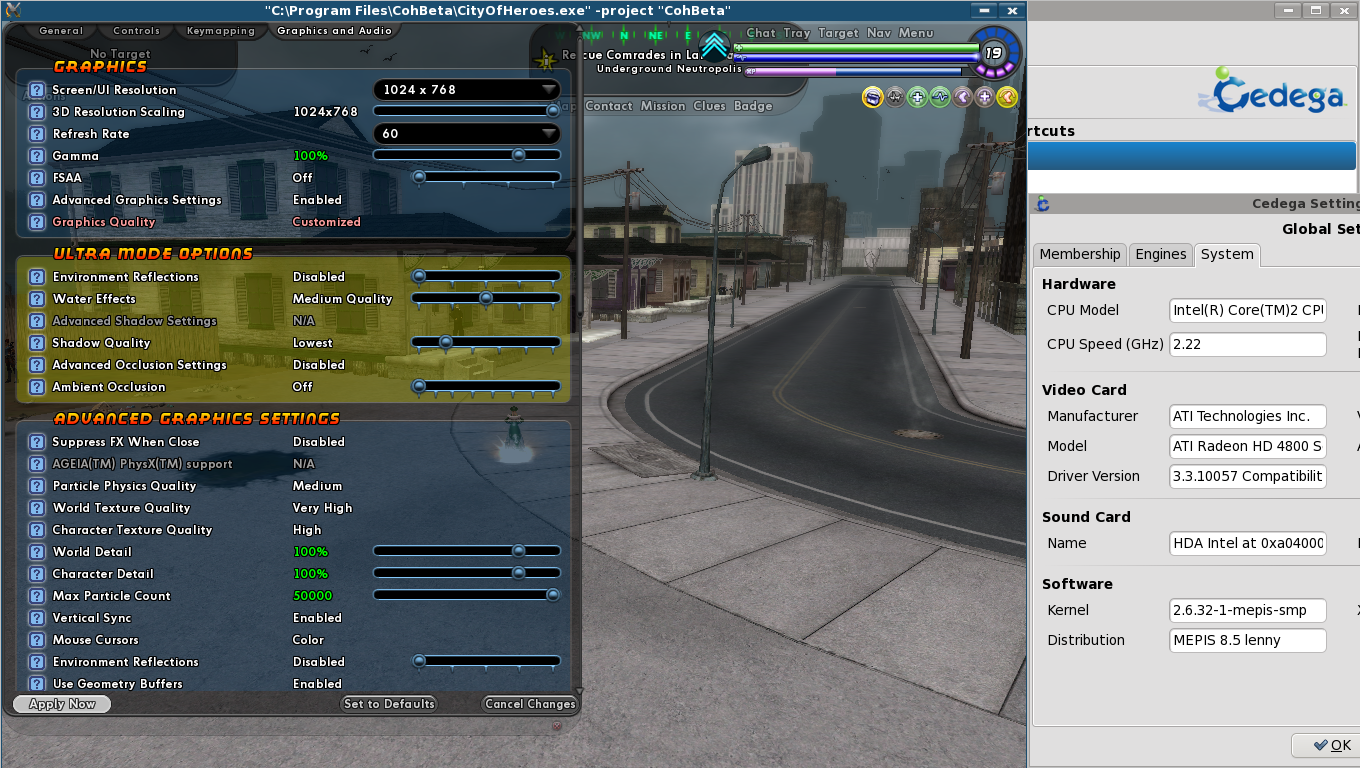
Get a 32bit install setup and running on the intel core 2 system.
The result?
-
for CoH, avoid Intel integrated graphics.
Incidentally, each one you listed has Intel Integrated graphics.
So yes, these are going to be BAD choices.
Here's two laptops with RadeonHD 4250 gpus each under $500.
I wouldn't be buying Nvidia in the mobile sector because... well... Right now there are several lawsuits winding through various courts over Nvidia's exploding laptops: http://www.techspot.com/news/34685-n...op-owners.html
And no, this is not an old problem either. Just a month ago yet ANOTHER series of laptops with Nvidia GPU's were recalled: http://boards.cityofheroes.com/showthread.php?t=227976 :: 06-30-2010, 04:03 PM -
Quote:Hiya JigglyRump! Care to participate in some Yarnia style Shibari?Originally Posted by FeyDuex
Evening all
-
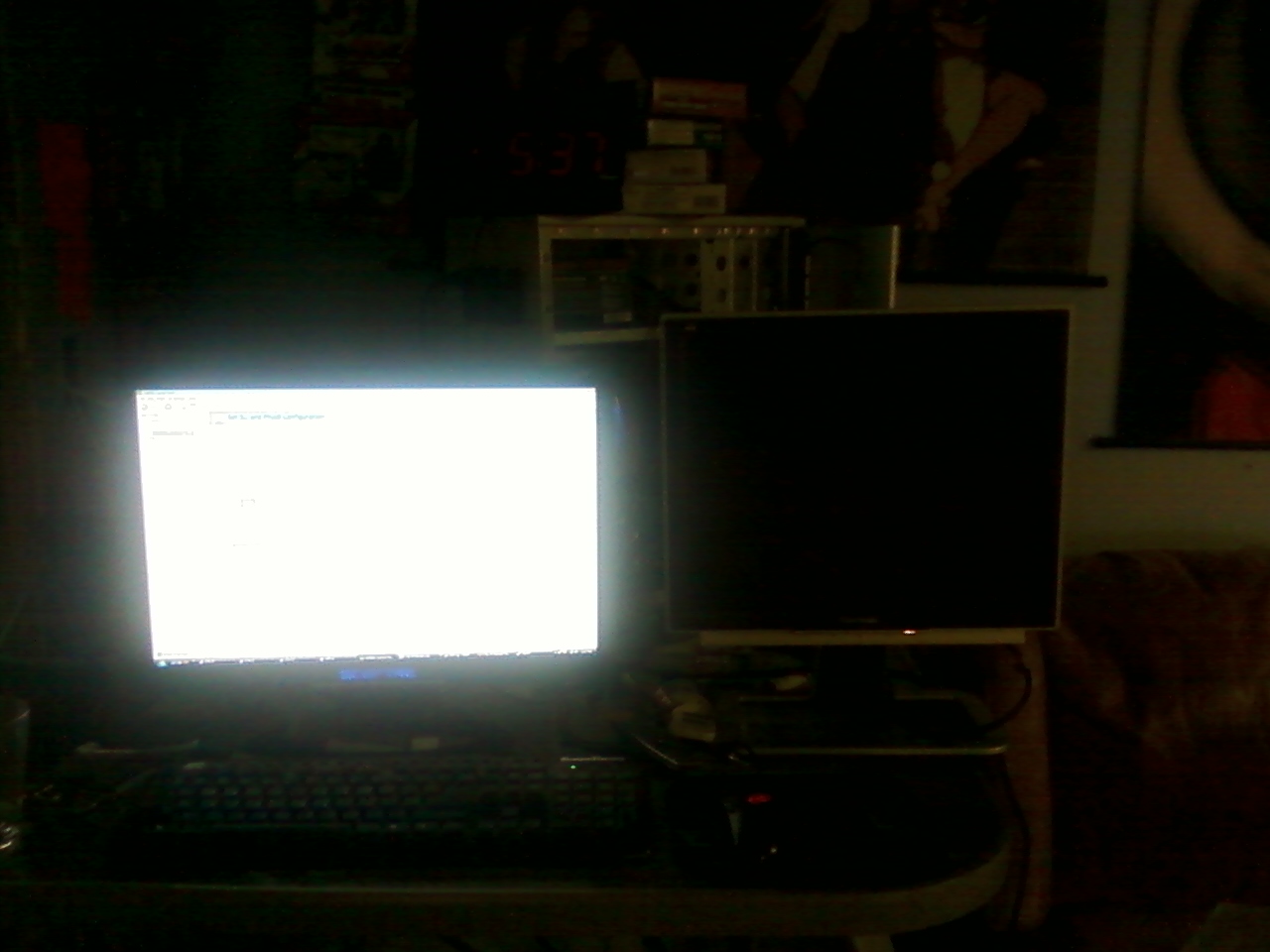
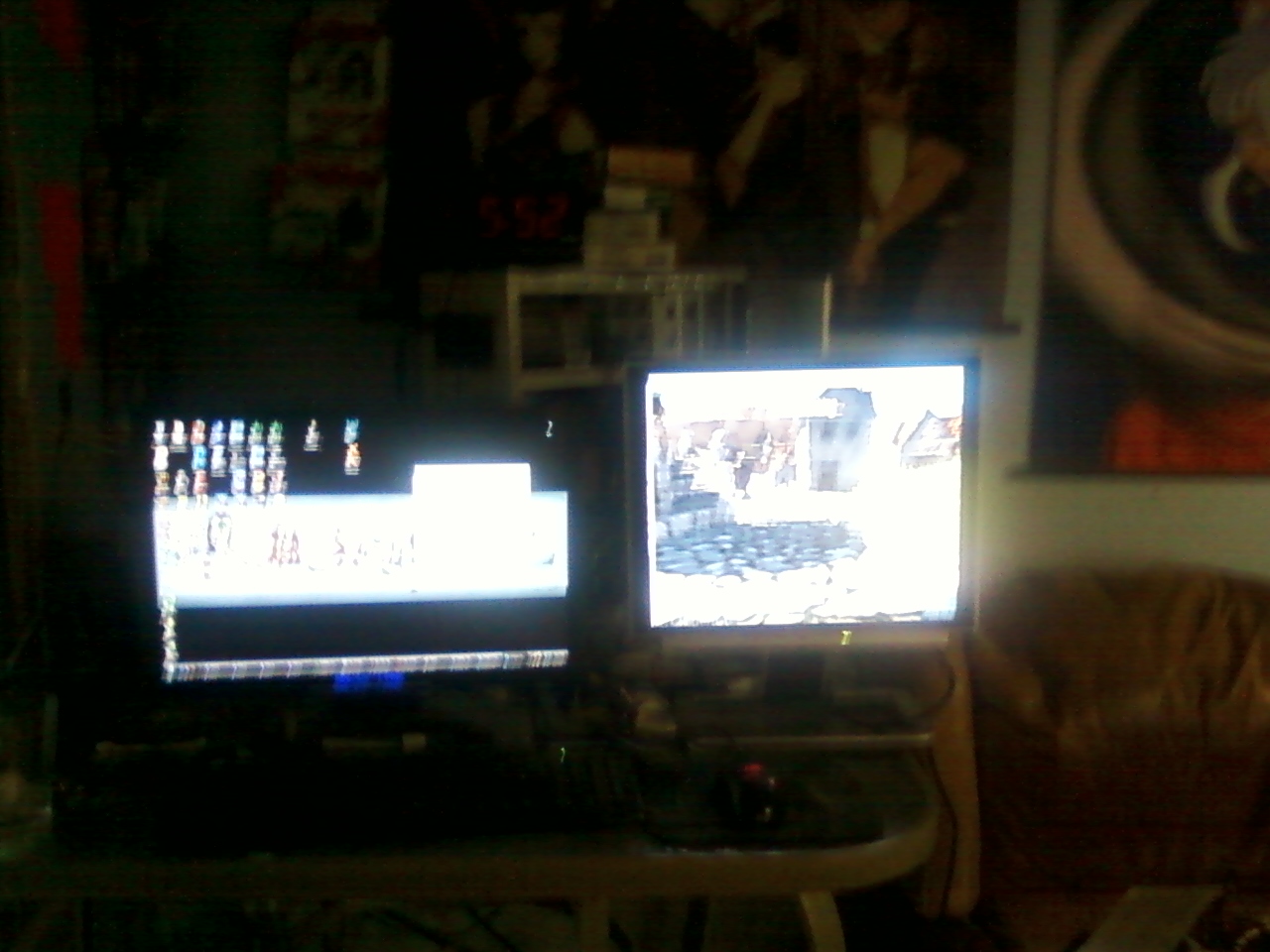
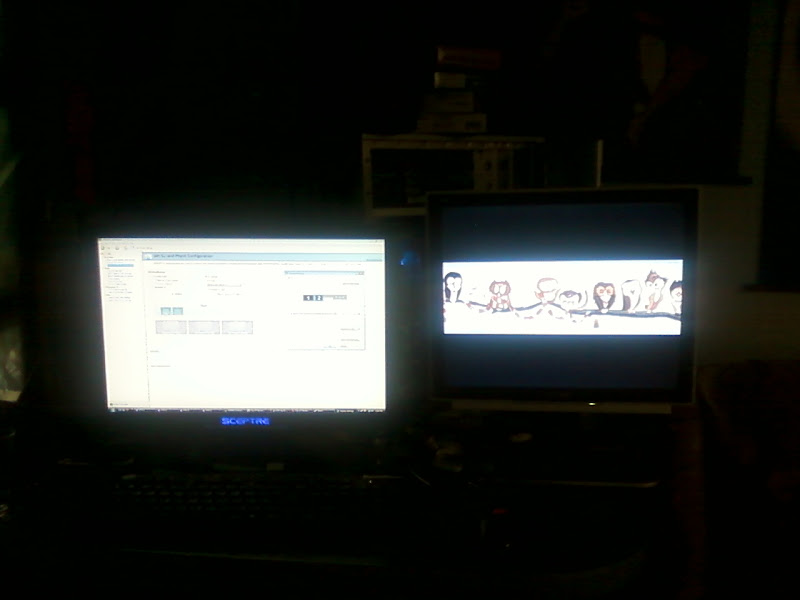
To show what I'm on about, took some pictures:
I have an awful camera phone (it was free okay, I know it's awful) so the real snaps are just plain bad.
I hooked up one my other monitors to my Triple SLI system.
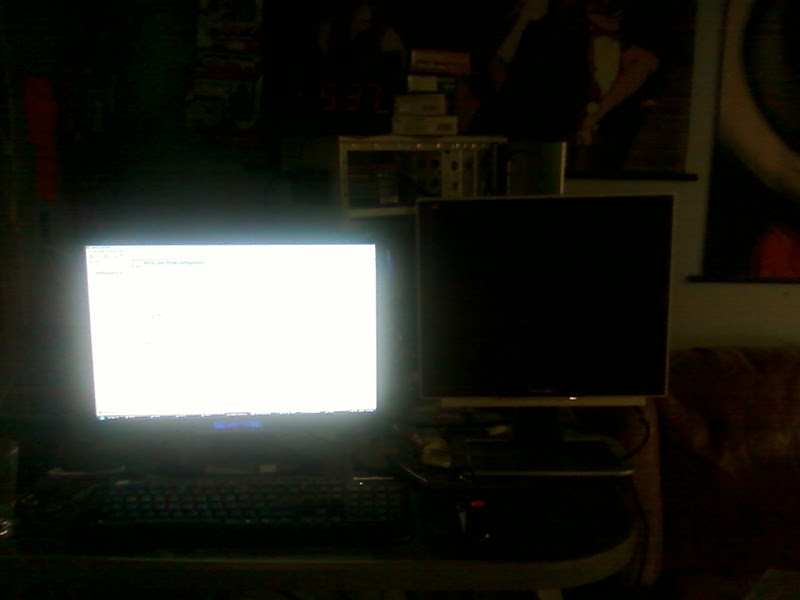
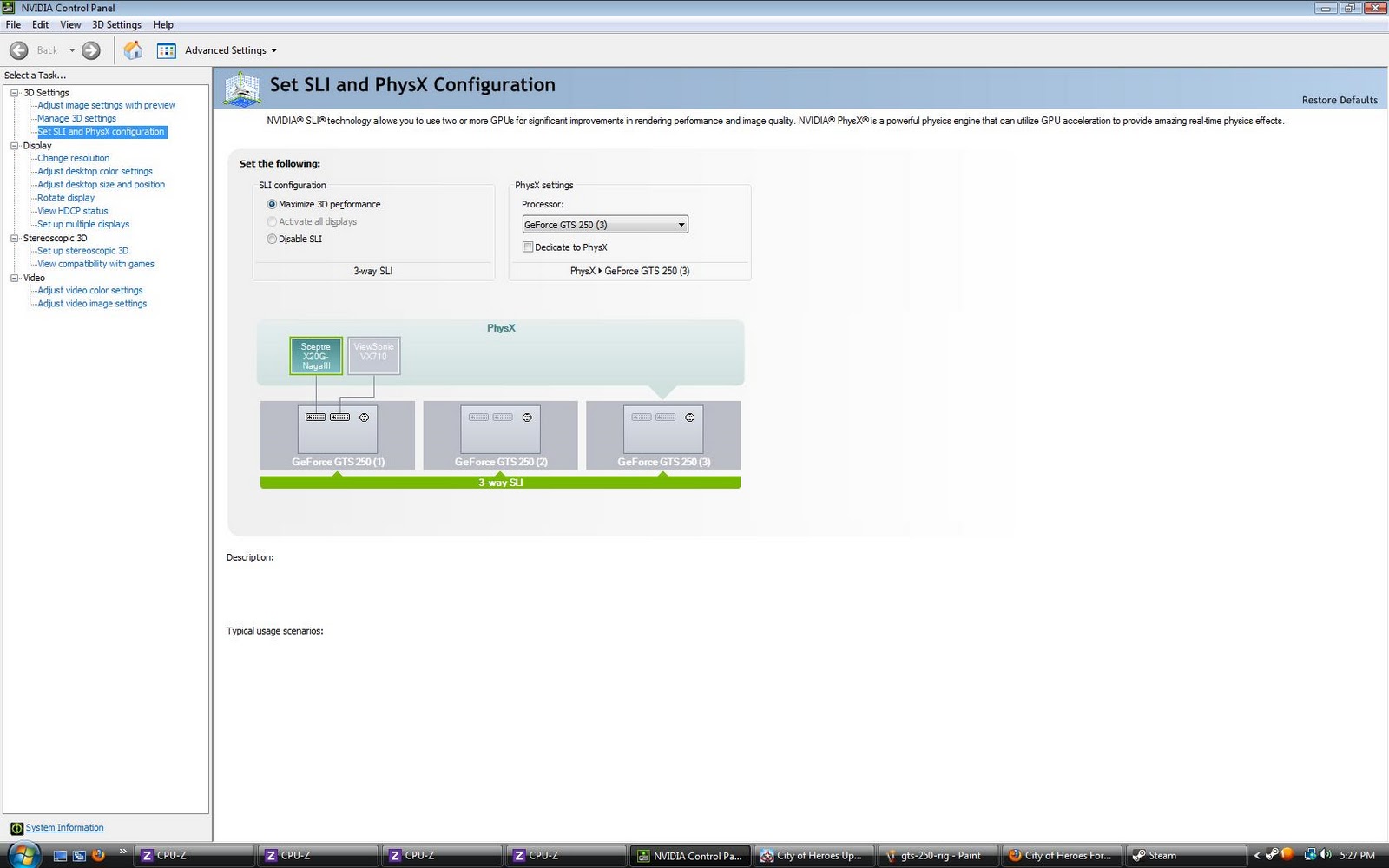
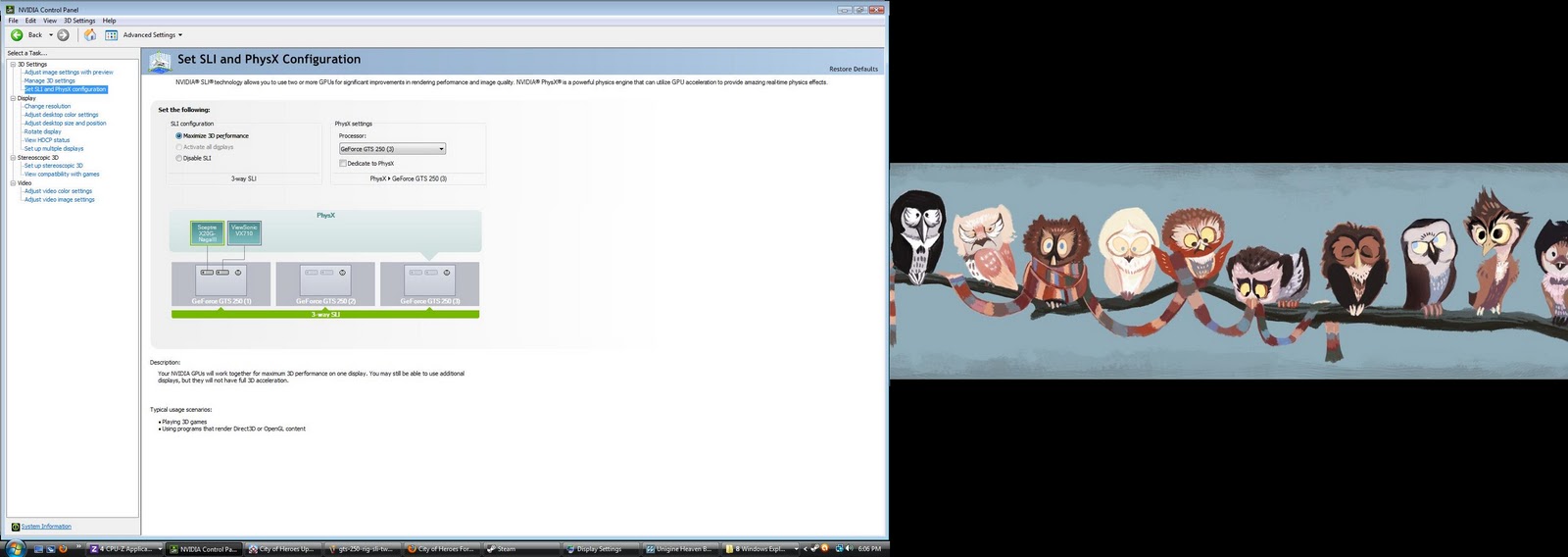
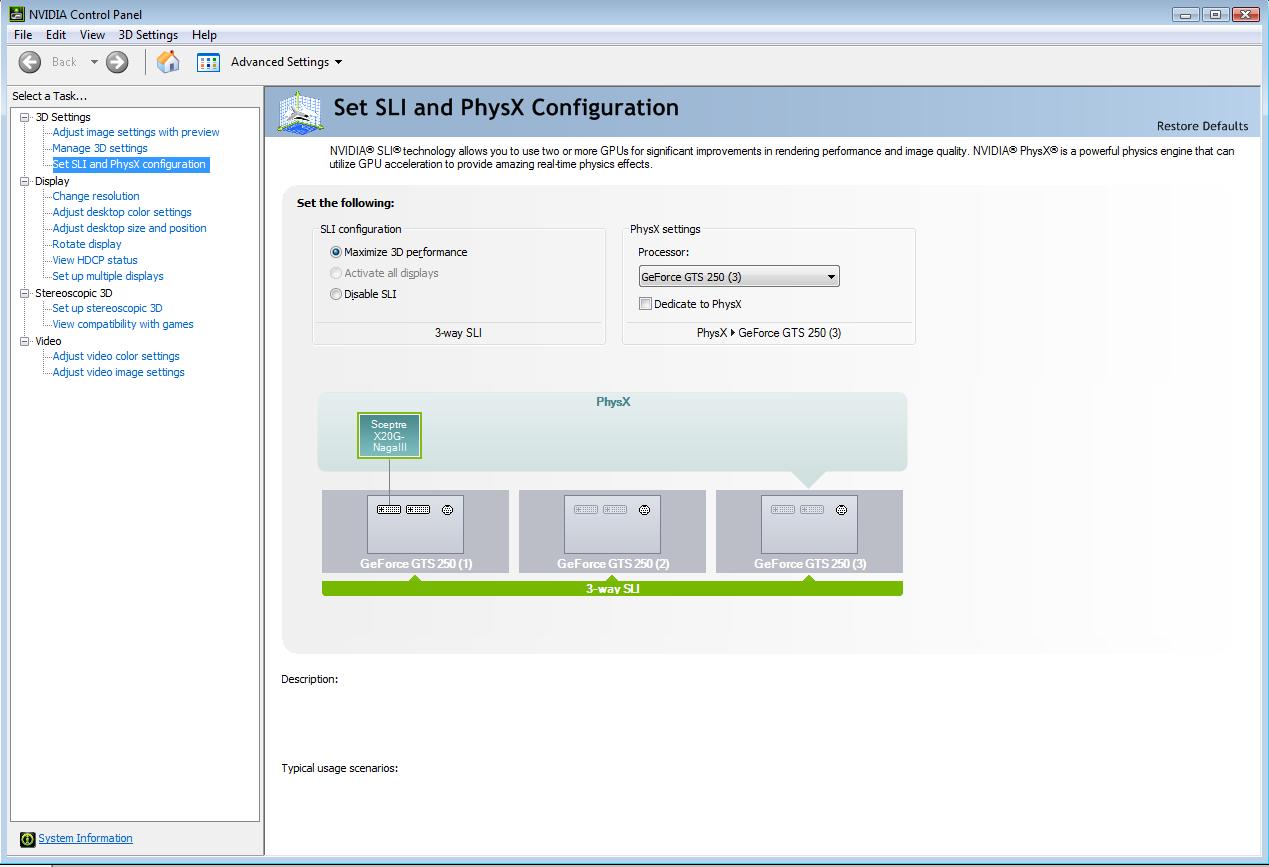
As we can see, i'm in SLI mode so the second monitor is greyed out:
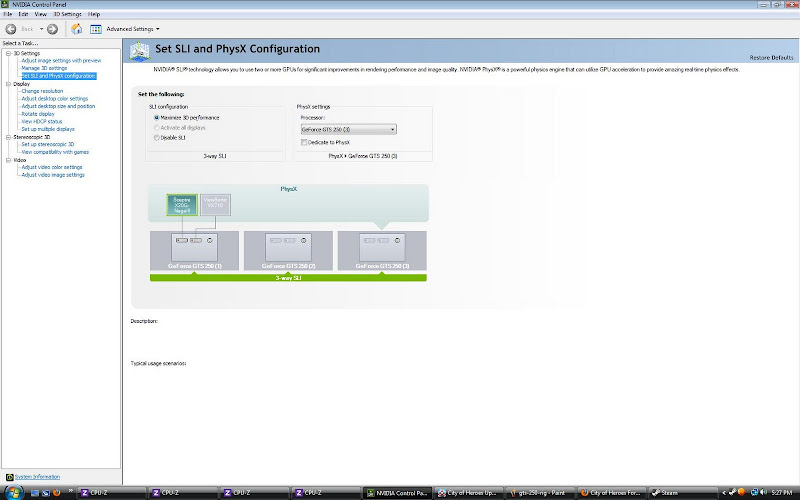
So, disabled SLI and enabled the second monitor:
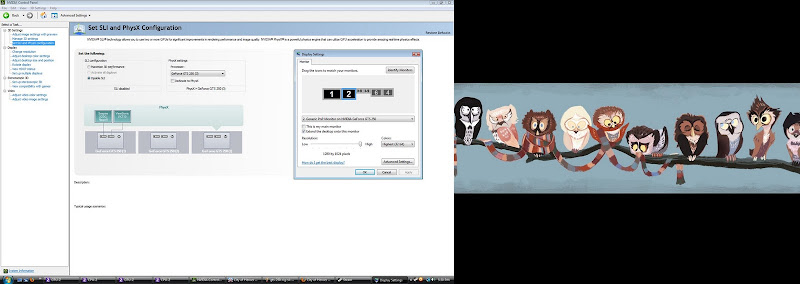
Now both displays are lit up
Enable SLI again:

Much to my surprise the second monitor stayed turned on:

I guess I shouldn't be too surprised. ATi solved keeping the second monitor on during multi-gpu long ago and Nvidia had to catch up sometime.
If you check the text on the control panel, it does tell you what is going on.
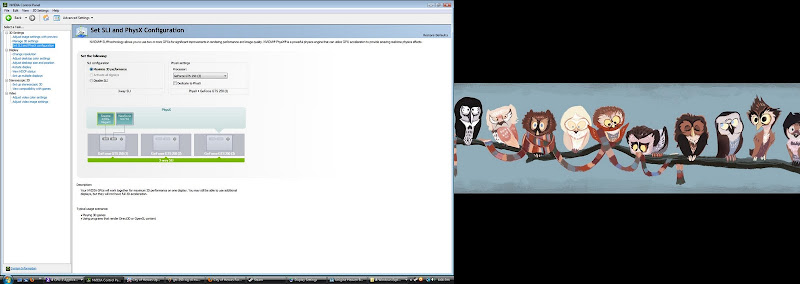
It says:
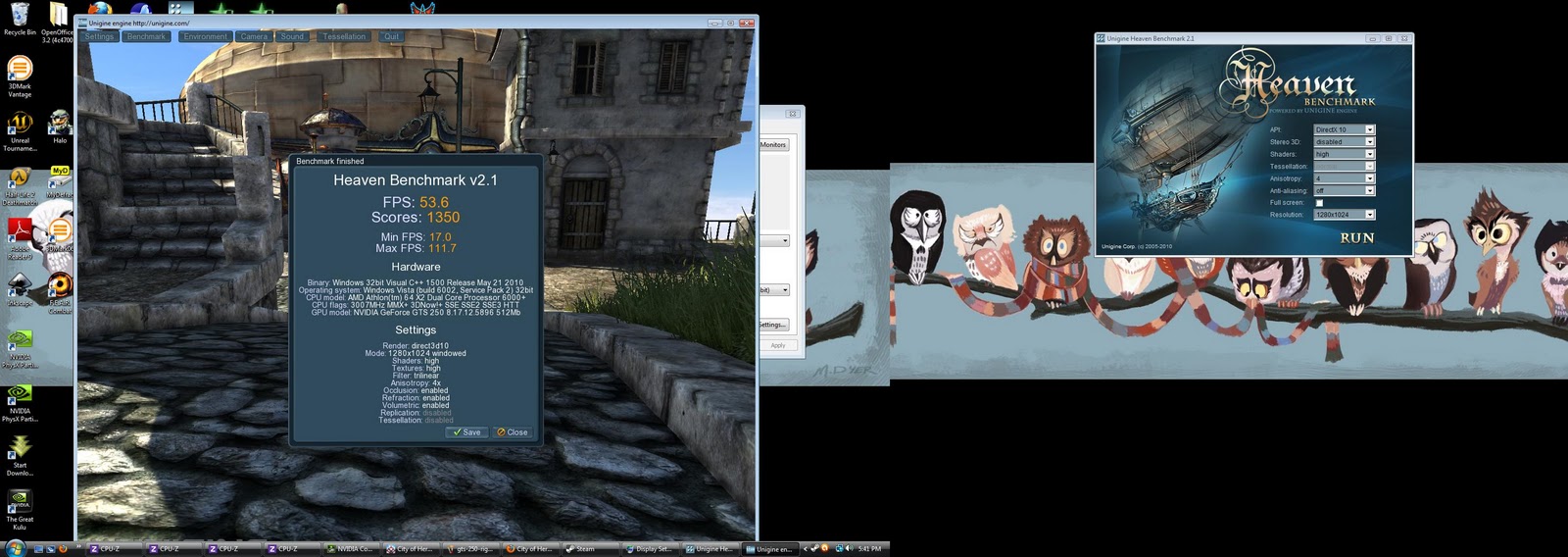
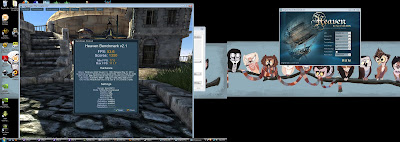
Quote:So I checked by running Heaven 2.1 benchmark in DirectX 10 mode on both monitors:Your NVIDIA GPUs will work together for maximum 3D performance on one display. You may still be able to use additional displays, but they will not have full 3D acceleration.
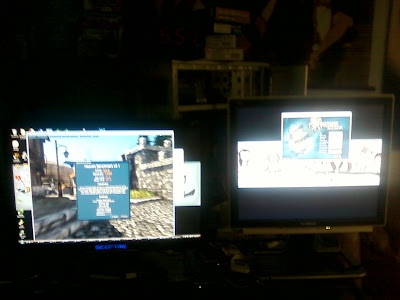
At this windowed resolution (1280*1024, the maximum resolution of the second monitor), a Geforce GTS 250 is hardly being stressed. Also, I was running it in Windowed mode, not full-screen mode. As best as I can tell with the software I had on hand, I can't tell a full screen 3D application to run on the second monitor. Full-screen 3D applications will only run on the first monitor.
Which leads up to the performance difference between the two.
In windowed mode Heaven 2.1 scored, the GTS 250 scored 1350 points.
Changing nothing but the windowed mode to full screen mode, the score shot up to 1534 points. Sorry, no screenshots. Full screenschots and Heaven 2.1 in full screen mode often make for unstable experience on Nvidia.
I don't know exactly how Nvidia defines the term full 3D Acceleration, or what the actual limits are.
From the short test here, you sacrifice a good bit of potential performance for windowed applications on multi-gpu setups. -
Quote:then you are not running SLIOriginally Posted by Sin_Stalker
I am confused. I have on my computer right now 2 monitors setup. I can run two instances of CoH,but because the graphics card is so old, I have to have one of the stances graphics lower than the other.
I've never had to enable anything.
You have to go in and TELL the system to run in SLI.
Just sticking two cards in your computer doesn't automatically enable SLI.
When you enable SLI, one of those monitors will be turned off until you go in and turn SLI off and re-enable all of your displays. -
*ish tumbled away from Becky into Yarnia!
nuuu!
wait...
*runs down a mental checklist*
... still with cute kitty girl...
... still wound up in yarn...
... why am I complaining?
*CHEERS!* -
Quote:*sneaks up behind Becky with the big Ball of yarn, then POUNCES and gets both of them wrapped up in the yarn!*Originally Posted by BreakneckBecky
*rolls up a Calvinist and kicks them across the room*
....
I think I'm playing wrong
-
Quote:... ... ... I'd give anything to see the live-action Tony Stark get sent to St. Canard and run into Darkwing and GizmoDuck.Originally Posted by UltraTroll
Gizmo Duck/Iron Man Crossover
-
Quote:actually running two video cards in SLI mode will only allow you to run one monitor unless you enable Nvidia 3D Vision Surround: http://www.nvidia.com/object/3d-visi...echnology.htmlOriginally Posted by motaz0r
I think the main goal was ignored... to my knowledge running two video cards in SLI mode will only allow you to run a total of 2 monitors - even though you have 4 connections.
In 3D Vision Surround you can run 3 monitors.
If you only have two monitors, one of them will be disabled when you enable SLI support.
You will have to be outside of SLI mode to run two, four, or more monitors.
You can actually see this in the Nvidia Control Panel where you have the option to enable all displays while running SLI:
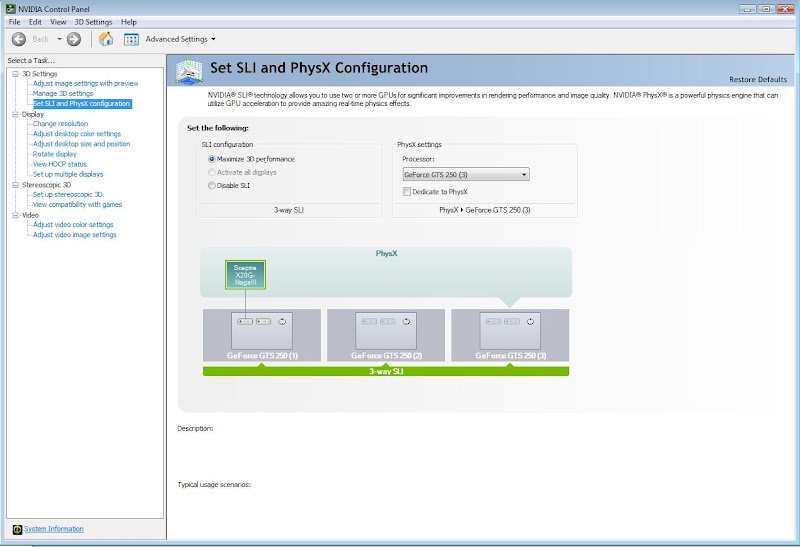
Note: you cannot have both all of your displays AND Maximized 3D performance. -
Quote:That was Belladonna.Originally Posted by Melanie
Is that some new flexiable hair I see? ^_^
She only has animated hair because the developers were able to list every single action she would EVER do in the real-time game, and are able to control every action she WILL do in the filmed cut-scenes. -
Quote:Yes.Originally Posted by NGrfx
Wasn't there some monkeying around by a dev during I17 testing, where he put slifbos 2 into the command line of the launcher shortcut to enable it (on nvidia cards only as I recall). Think it was a post from The Television, if someone wants to flex their search fu muscles and try to track it down.
the command has been pulled from the test server. And you'll find it in my stickied posts in the tech section. -
A wild BaB's has a appeared! Quick! Take a picture!
It's good to see BaB's popping up again in the videos since we haven't seen him on the forums. -
YARN!!!
*pounces the ball of yarn and dives with it at VexXxa* -
Quote:no.Originally Posted by HydroPonics
Just wanting to know if anyone know if FE is also changed for doms like it is for scrapp's and tank's
-
Quote:bzzzt.Originally Posted by ElectroHawk
CoH does not officially support SLI. IT was not program to use it even if the cards can still work. Most people are able to run CoH with SLI without issue. You might have to tweak some settings both in CoH and Nvidia control panel but it should work.
SLI will not work using the Nvidia control panel and any combination of City of Heroes commands.
Forcing SLI on CoH requires using the third party tool Nhancer and playing around with Hex values. Doing so can cause the game to crash and generate driver errors. -
If you have a problem with the way the game is being handled, send a physical mail in letter to :
Fifth Floor, Mocatta House, Trafalgar Place,
Second: use the Feedback forms on the support system: http://uk.support.ncsoft.com/
Brighton BN1 4DU, United Kingdom
or to
158-16 NCsoft R&D Center B/D, Samsung-dong, Gangnam-gu, Seoul, South Korea (ZIP 135-090)
From that support page this is what they say about the forums:
Quote:Let me rephrase that: Nobody who reads the forums can do anything about EU support.The message boards are useful for finding information from other players, communicating indirectly with the game developers, and for posting suggestions.
It doesn't matter if you point is legitimate or not. The only people who can do something about the status of support do not read these forums, are not going to read these forums, and do not receive any input or feedback from the people who do read these forums. The only people who can give you an answer are going to be found in either Brighton, or in NCSoft's Korean Headquarters.